
Every order, to the right place.
Courses, kitchen screen and one printer per station. The kitchen gets the order as soon as the waiter sends it.
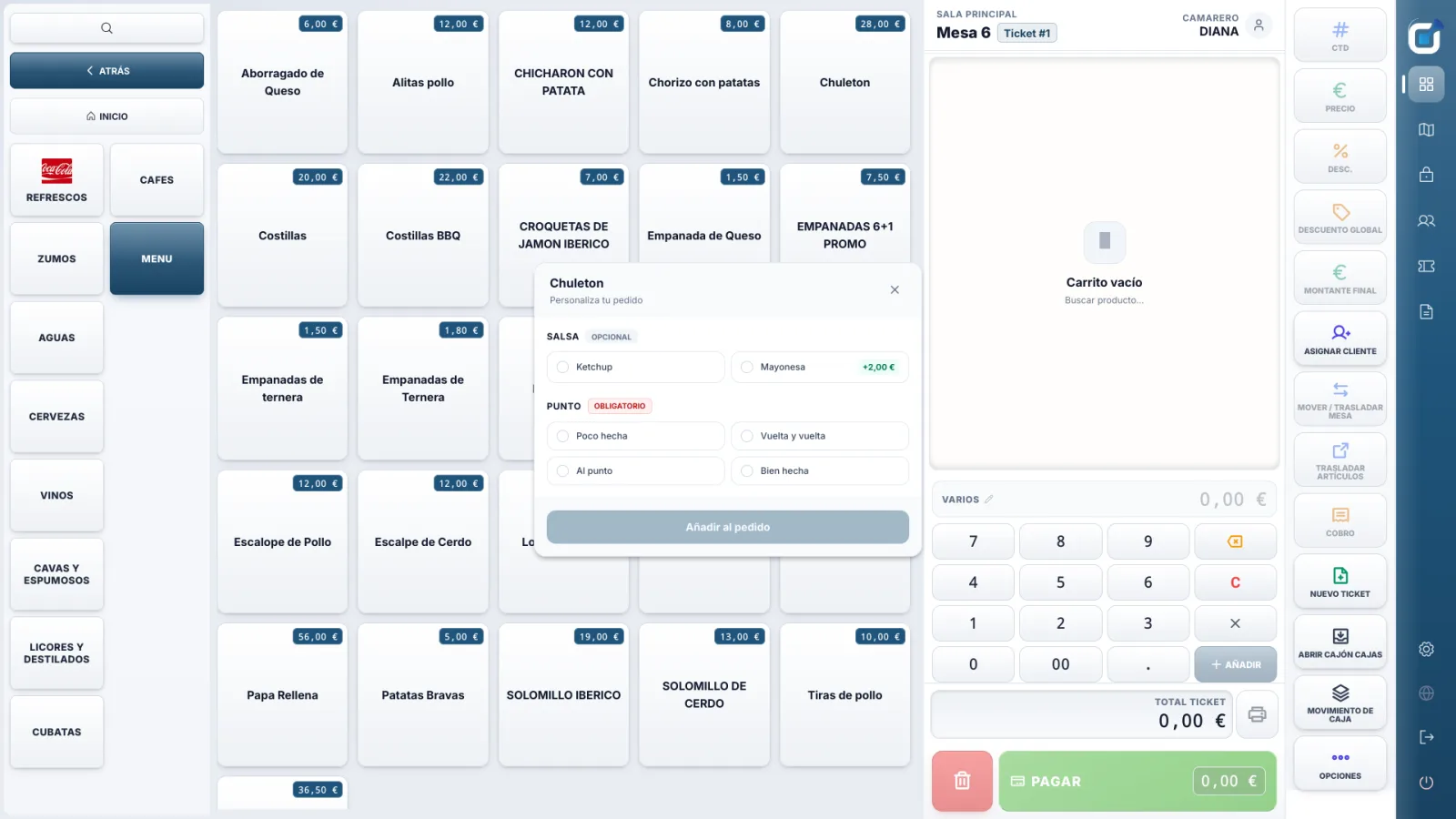
Each dish, step by step.
A tablet in the kitchen shows orders by table. The cook updates each dish.
-
1
Pending
The order arrives from the register or a waiter’s phone.
-
2
Preparing
The cook starts the dish.
-
3
Ready
The dish is ready to go out.
-
4
Served
The waiter takes it to the table.
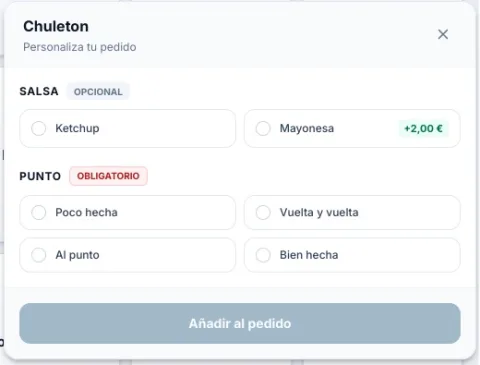
Exactly as ordered.
Sauces, cooking level, paid extras and notes. Required choices can’t be skipped, so the kitchen gets exactly what the customer asked for.
- Optional or required groups
- Free notes per dish
One printer per station.
Each product goes to its printer: kitchen, bar or none. If a printer is out of paper, the job waits and prints as soon as it is back.
- Kitchen screen and printers can work together
- Reprint an order in one tap
Questions
Do I need a kitchen screen?
No. You can use kitchen printers only, the screen only, or both.
Which tablet works as a kitchen screen?
Any Android tablet on the venue’s Wi-Fi.
What if a printer runs out of paper?
The job stays in the queue and is retried automatically. Nothing is lost.
Can I send dishes by course?
Yes: starters, mains and desserts, each sent when it is time.
Related features
Ready when
you are.
See TPVStream with your own menu in a free demo.